|
A Different Way to Build WordPress Websites
You Don’t Need a Website Builder to Create a Professional WordPress Website.Instead of learning a platform, you simply describe what you want your website to do — and AI helps you build it step by step. No complicated builder interface. No rows, modules, widgets, columns, containers, or endless design controls to figure out. Your website is still powered by WordPress behind the scenes, but you never have to learn it or work inside it. With direct one-on-one guidance, the process stays simple, clear, and focused on the website itself.
Watch the 4-Minute Demonstration Explore the Training System Or jump straight to the live build demonstration to see exactly how this works. |
How This System Creates a WordPress Website with AI
This page shows a simpler way to create a WordPress website without relying on traditional website builders. Instead of learning a platform, you describe what you want, and the system helps generate the structure and content for you.
The process is straightforward and repeatable. Once you understand how it works, you can apply it to different industries, projects, and business goals without starting from scratch each time.
|
1
Describe ItTell the AI what kind of WordPress website or page you want. A simple request is enough to create a strong starting point. |
2
Generate ItLet the system generate structured website content and WordPress-ready page code based on your request. |
3
Copy ItCopy the finished output instead of manually assembling the page inside a drag-and-drop website builder. |
4
Paste and PublishPaste the result into your WordPress site, review it, save the page, and publish it with far less friction — without needing to work inside a traditional builder. |

Traditional builders still require you to learn their interface. This AI website system changes the workflow by letting you focus on the website you want instead of the builder you have to operate.
Tech Talk -- See the Difference Clearly
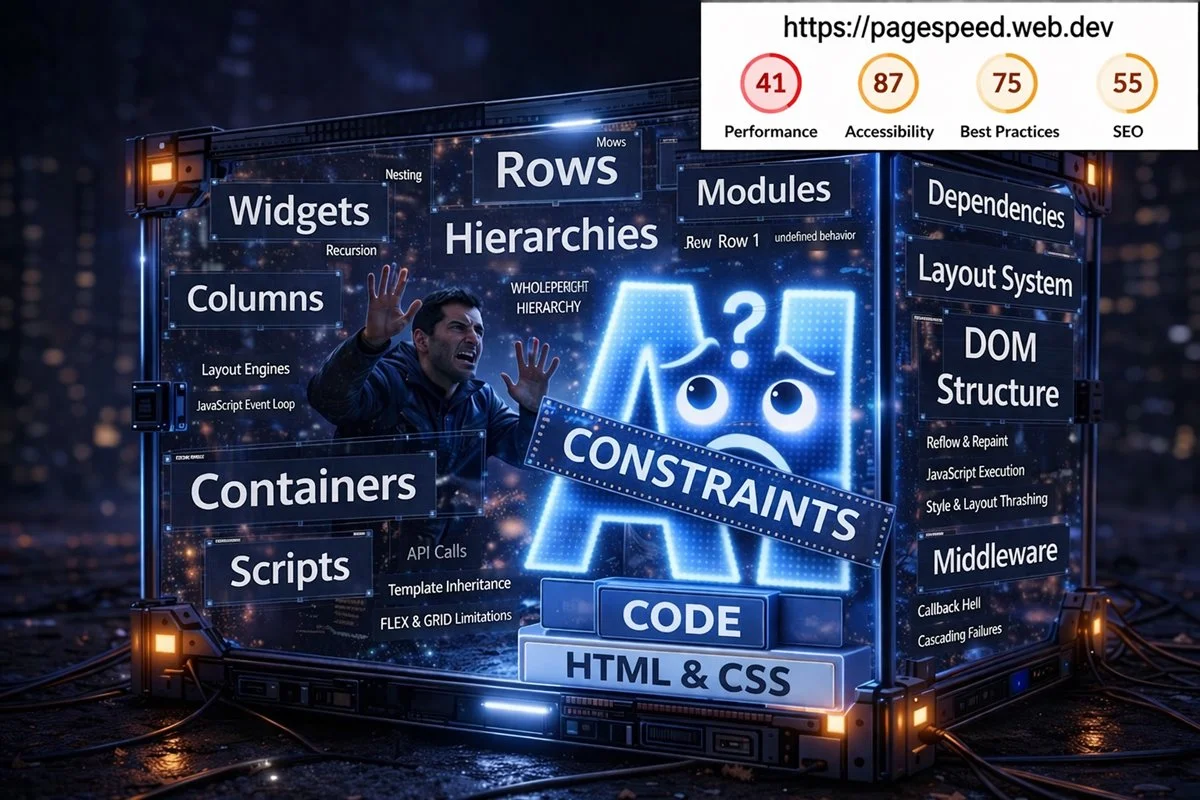
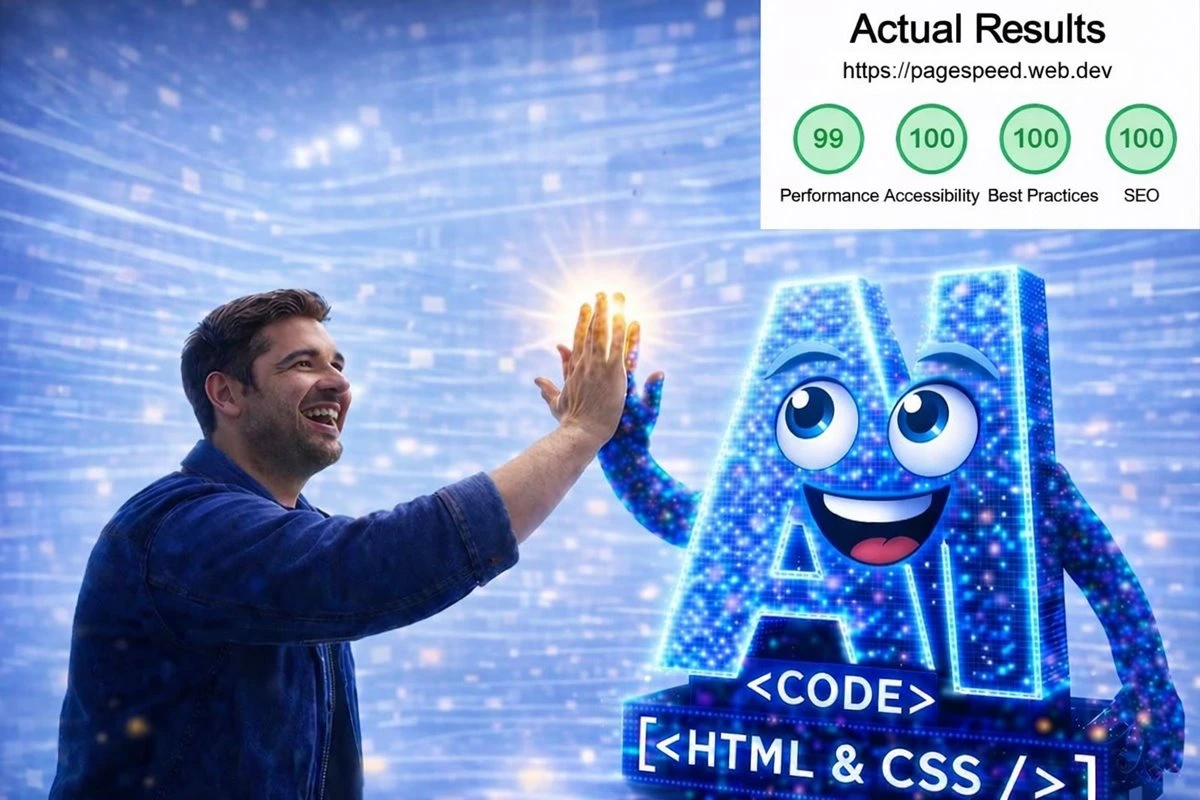
What has happened is not an improvement to an existing system — it is a completely different way of building websites. On one side of the illustration below, you are looking at a very realistic portrayal of what it's like for you and Artificial intelligence to work within a web builder (Wix, Divi, SquareSpace, Elementor, etc.) with its constraints. Even though artificial intelligence is employed within the system, it's built on layers of complexity for both the user and AI. On the other side, you are seeing a clean, structured system where AI produces organized, performance-ready code instantly, without builder interference, tools or constraints.
Why This Workflow Converts Better Than the Old Builder Model
People do not want to spend days learning a builder when their real goal is to launch a strong website. This page is focused on showing the faster path, reducing confusion, and moving visitors toward the live demonstration where they can see the system work for themselves.
The Old Website Builder Workflow
|
The New AI + WordPress Workflow
|
Anyone who can clearly describe a website can now participate in building one without first becoming a website builder operator.

|
Law Firms
Service Businesses
Beauty Brands
More Industries
Use the Same System Across Real IndustriesThis AI WordPress website system is not limited to one demo. It is designed to work across real business categories and real website goals. Whether you are building for a service company, local business, professional practice, consultant, beauty brand, nonprofit, or your own project, the same core workflow can produce a structured WordPress website. That matters because you are not just learning how to build one page. You are learning a repeatable process you can use again and again across different industries and business situations. |
Why This Matters for WordPress Website DevelopmentFor years, WordPress website development has often been tied to visual builders, plugin-heavy workflows, and unnecessary interface complexity. This system introduces a different path by putting the focus back on the website itself instead of the builder tool. That shift matters because it reduces the learning curve, accelerates production, and opens the door for more people to build real websites without giving up the flexibility, ownership, and SEO value of WordPress. |
Ready to see the system work? Watch the live build first. That is the fastest way to understand whether this new approach fits your goals. |
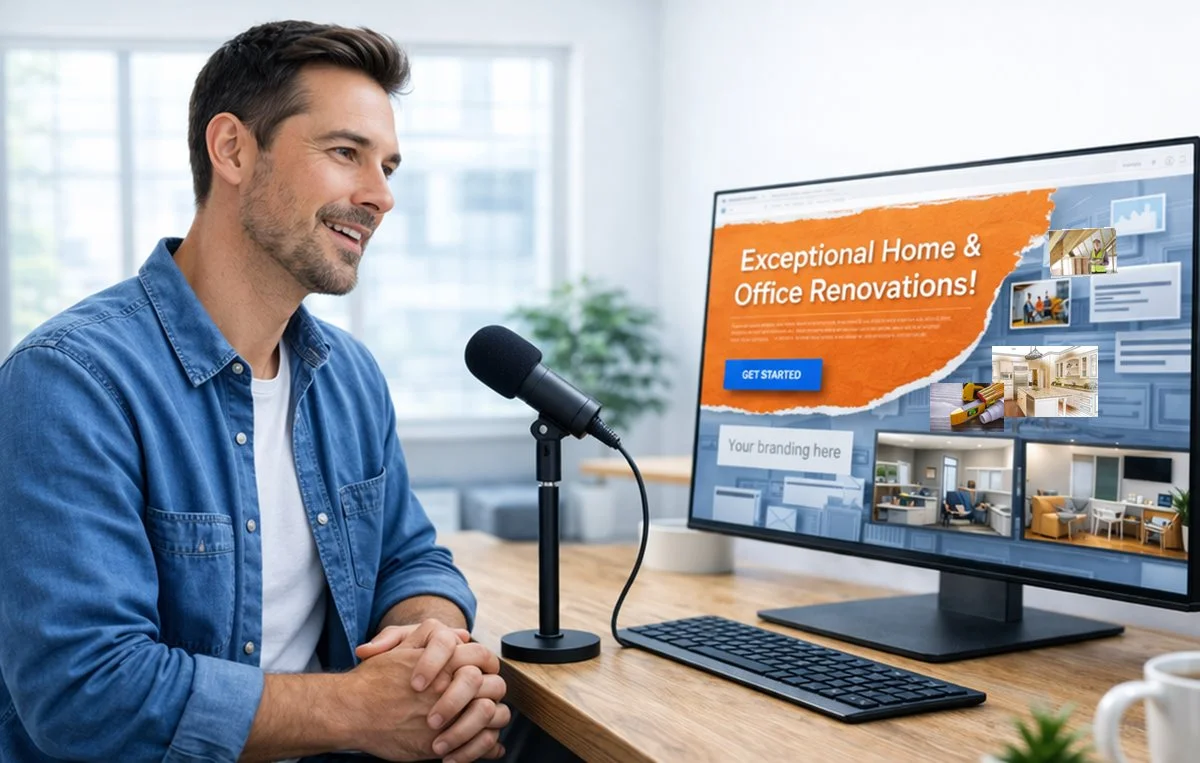
See the AI WordPress Website Build Before You Decide
The strongest next step is not reading more theory. It is watching the system build. The demonstration shows the workflow in action so you can judge the speed, clarity, and simplicity for yourself.
That is why this homepage is designed to move visitors toward the live example quickly. Once you see a WordPress website come together through plain English instructions, the difference between this method and a traditional website builder becomes much easier to understand.
If the demonstration matches what you have been looking for, the training page is the natural next step. That keeps the path simple: understand the method, watch it work, and then explore how to learn it for yourself.