
What This Training Is Really About
This is not a generic website course and it is not a course about learning cryptic prompts. It is hands-on help built around a real workflow for using artificial intelligence to create WordPress pages without relying on a traditional website builder. The training is designed to help you get the system working correctly, understand the environment, and apply it to your own website in a practical and comfortable way.
|
Live Help You are not left alone trying to guess your way through setup. Training includes one-on-one Zoom or in person guidance so you can get answers in real time. |
Proper Setup We work to make sure your WordPress environment and workflow are installed properly and running the way they should before you try to build at scale. |
Confidence The goal is to help you feel comfortable in this unique environment so you can build, adjust, and move forward without second-guessing every step. |
If the demonstration makes the process look simple, that is a strength, not a contradiction. The training is not there because the prompts are hard. The training is there because proper setup, live guidance, real-world comfort, and a clean WordPress workflow still matter.
|
One-on-One Training
Live Zoom Session
Setup Assistance
Personal Guidance Instead of Trial and ErrorOne of the biggest differences in this offer is that you are not just handed instructions and expected to sort everything out later. We provide one-on-one training during a live Zoom session to help make sure your system is installed properly, configured properly, and ready to use in a practical website-building workflow. That matters because many people do not fail from lack of effort. They fail because they are trying to learn a new environment while also wondering whether the system itself is set up correctly. This training removes much of that uncertainty and helps you start from a cleaner, more stable foundation. The aim is to help you build correctly from the beginning, not rush you into avoidable mistakes that later cost time, money, or confidence. |
|
What You Learn
The Core Workflow
|
What You Avoid
The Builder Burden
|
This training is built for people who want to understand the workflow, get comfortable with the environment, and know that a real person is available to help them use it correctly.
The Four-Step Workflow You Learn
The process itself is simple. The value of the training is that someone walks with you through it, helps you get the system set up correctly, and makes sure you are comfortable using it inside a real WordPress workflow.
|
Step 1
Say What You WantYou can start with normal everyday language. A simple request can produce a strong starting point, and more detail is there only when you want more control. |
Step 2
Generate the PageAI helps create the structure and content so you are not manually assembling everything inside a traditional website builder. |
Step 3
Place It in WordPressYou learn how the output fits into the WordPress workflow so the result is practical, editable, and useful in the real world. |
Step 4
Review and Build ForwardYou learn how to refine what matters, avoid unnecessary friction, and keep moving with confidence instead of confusion. |
You do not need perfect grammar, special prompt formulas, or technical AI language to get good results. The training helps you use the system comfortably and correctly, not pressure you into becoming a prompt engineer.
Performance and SEO Are Part of the TrainingThis training also teaches a performance-first way of thinking. When it is said that a site needs search engine optimization, that is often repair work for bad architecture. Traditional builders create something first and optimize later. Building with this AI-guided workflow allows us to stop fixing bloated systems and start building leaner ones. Where practical, the workflow aims for strong results in the key Lighthouse and PageSpeed categories such as performance, accessibility, best practices, and SEO. That is a build target, not a careless blanket guarantee, because final scores can be affected by hosting, plugins, scripts, embeds, and other site-specific conditions. What matters most is that you learn the rules behind clean structure, lighter pages, and sound SEO habits so you can continue improving your site without assuming that monthly retainers are the only way forward. You can learn more on the SEO and website performance page. |
What This Means in Practical Terms
|
Who This Training Is For
This training is meant for people who want to build or manage a real WordPress website but do not want to become trapped in a complicated builder ecosystem and do not want to be left figuring out a new system on their own.
EntrepreneursFor business owners who want a professional website and want to understand how to maintain control over it with live help available when needed. |
Small Business OwnersFor people who want a practical website system without paying for complexity they do not need or guessing their way through setup alone. |
Students and LearnersFor people who want direct instruction, clear reasoning, practical comfort, and a workflow they can actually repeat. |
If you have already seen the demonstration and want to understand how to apply the system yourself with real guidance, this is the page for you.
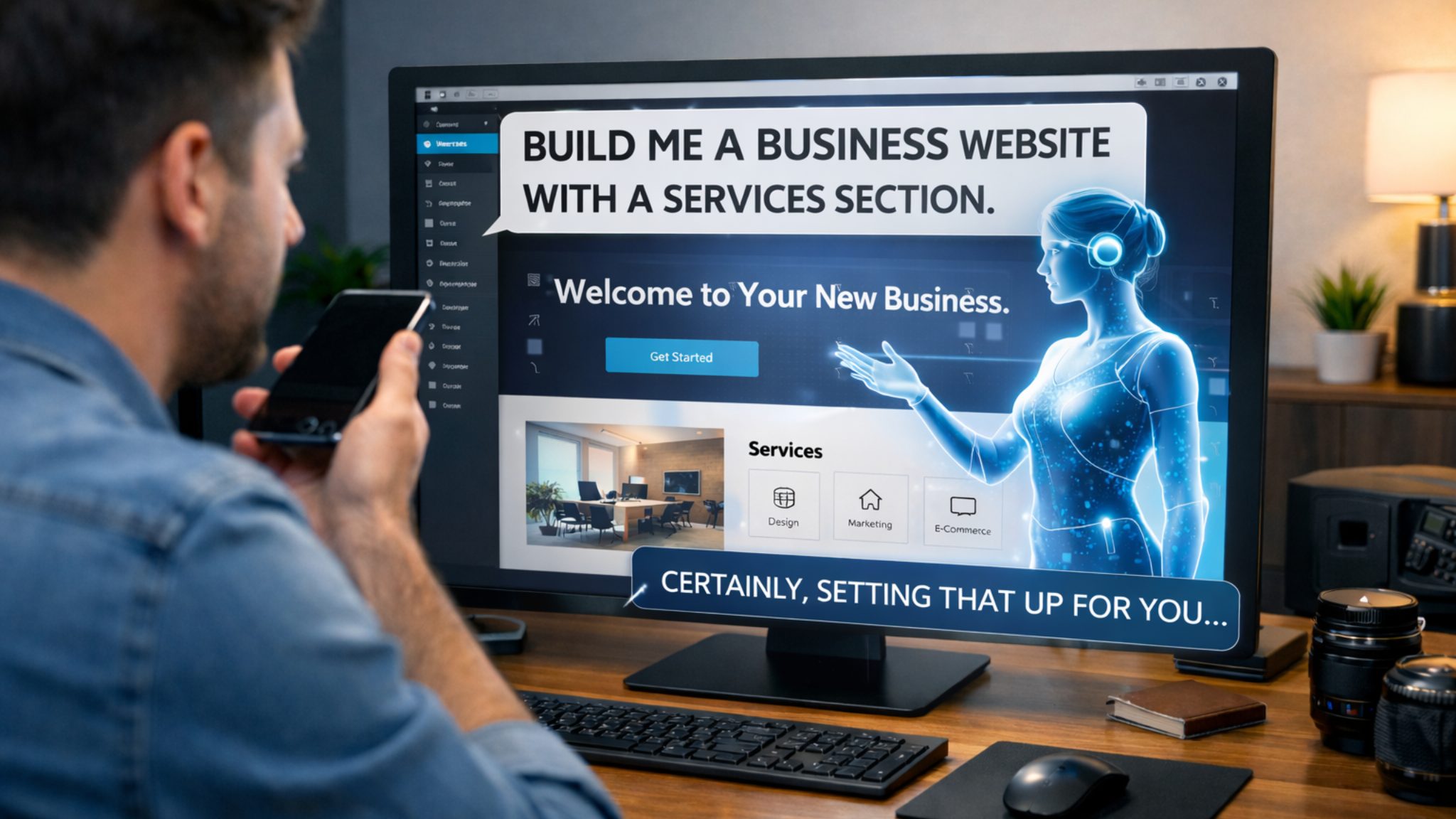
See the System, Understand the Method, Then DecideThe best next step is to watch the live build demonstration so you can see the workflow in action. After that, you can review the beta program, read more about how the AI website system works, or continue to the FAQ page for common questions. This page is about the training itself: practical help, real guidance, correct setup, and a cleaner path into WordPress website development using AI. |
Ready for the next step? Watch the demonstration, review beta access, or continue learning how the system works. |
You Are Not Just Learning a Shortcut. You Are Learning the Environment, the Workflow, and a Better Starting Point.
The purpose of this training is to help you get the system installed correctly, understand the workflow, feel comfortable using it, and create pages with real structure and long-term usefulness. It is a guided path into AI-powered WordPress development for people who want more than hype and less confusion.